
How to merge PDF files online
Combine multiple PDF files in the right order, check the result, and download one clean document directly in your browser.
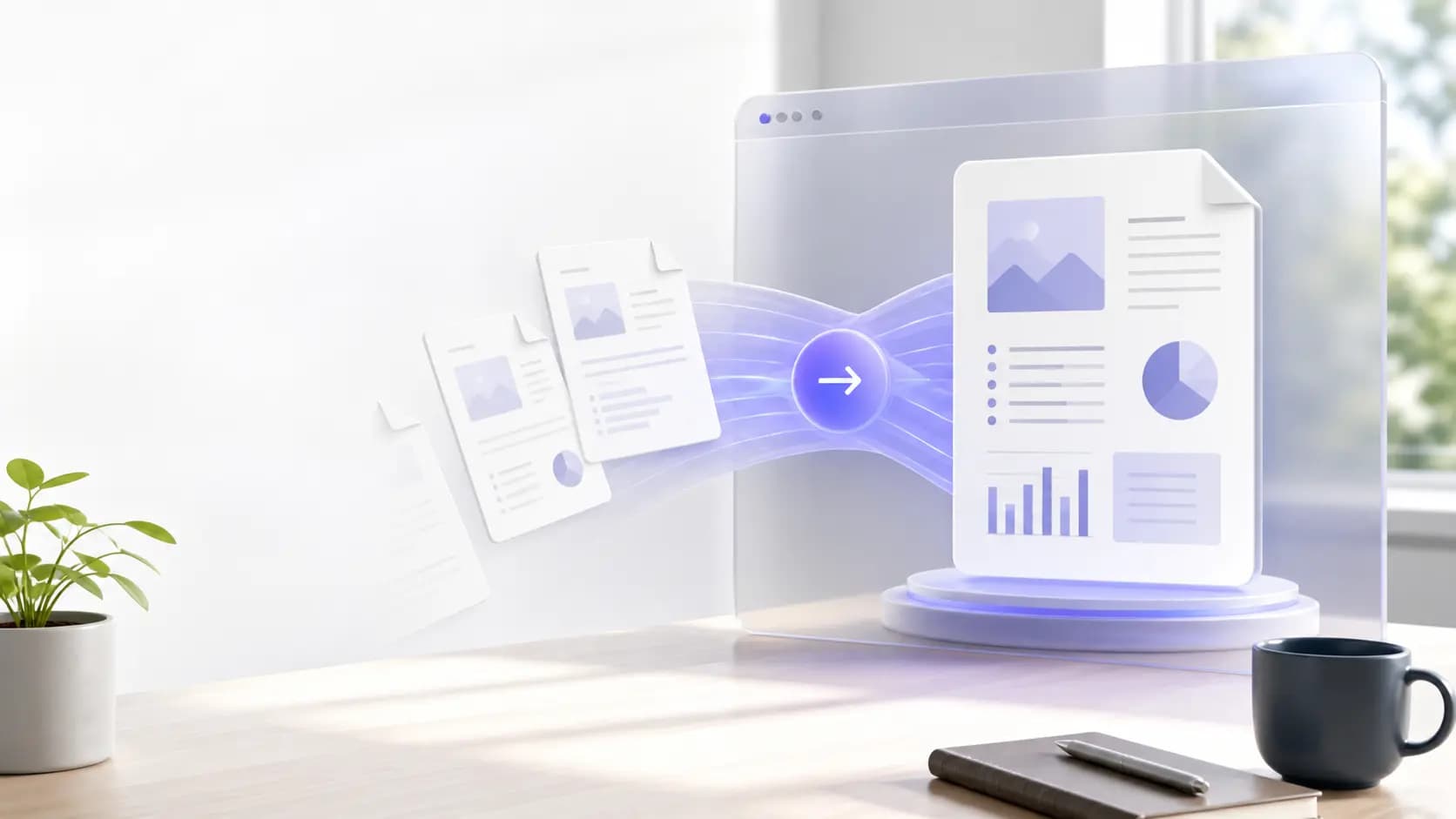
Check the files before merging
Collect the PDFs you want to combine and rename them in the order they should appear. Remove duplicate or outdated copies first.
- Confirm every file opens correctly.
- Check page orientation and rotation.
- Keep a backup of the originals.
Merge PDFs step by step
Open the PDF merger, add your files, then drag the file cards to change their order. Select Merge when the preview looks correct.
- Add two or more PDF files.
- Reorder files by dragging or using the move controls.
- Merge and download the new PDF.
Review the final document
Open the downloaded PDF and quickly scan the first, middle, and last pages. Confirm that bookmarks, page numbers, forms, and links still work as expected.
Frequently asked questions
Can I reorder pages before merging?
Yes. Add the files, move them into the desired order, and then merge them.
Are the original files changed?
No. The merger creates a new PDF and leaves your original files unchanged.