
How to convert JPG to PNG in batches
Convert JPG photos to PNG in your browser, preserve transparency where available, and download individual files or a ZIP archive.
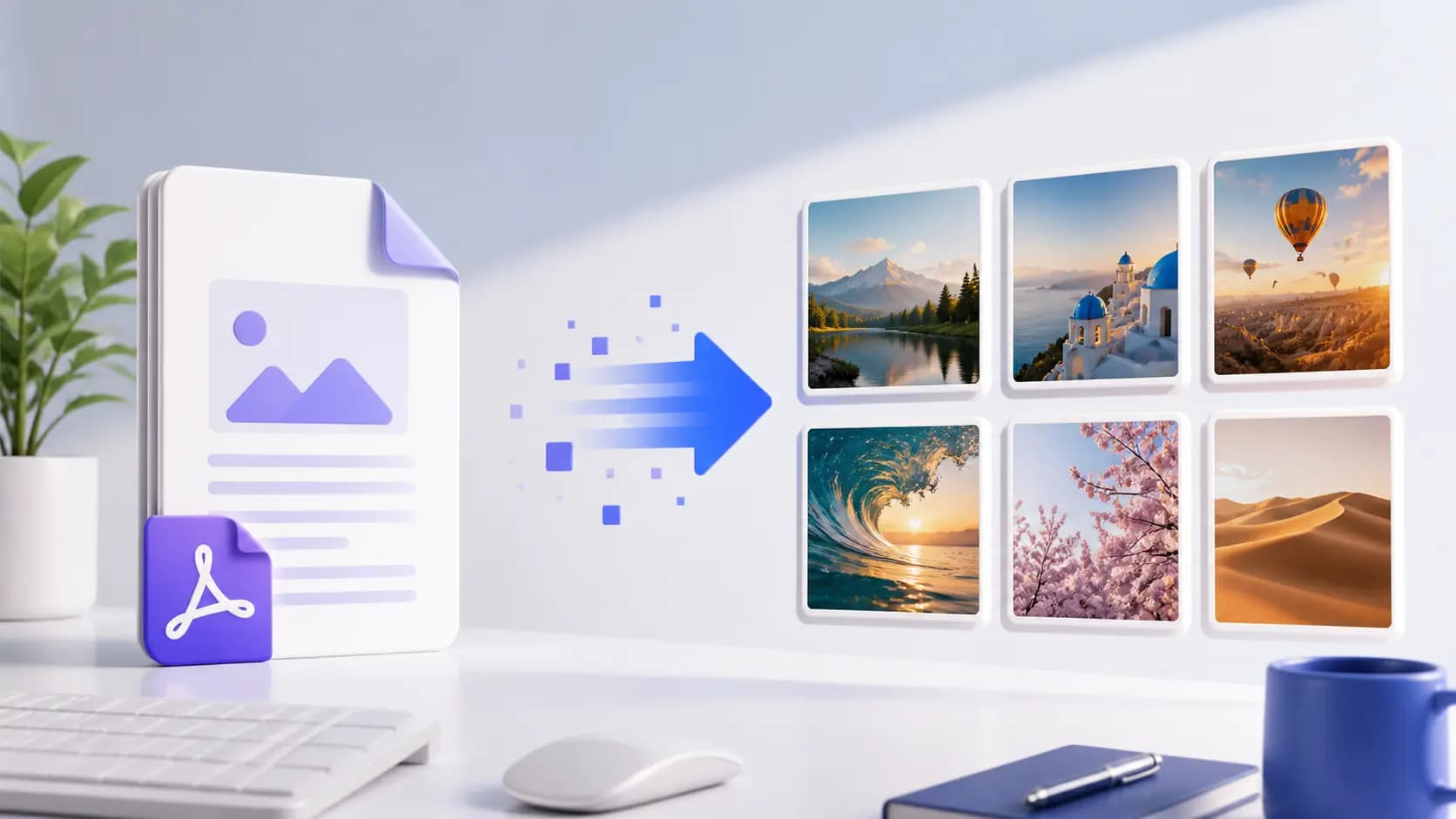
JPG and PNG are different
JPG is usually smaller for photographs. PNG is better for screenshots, graphics, and images that need crisp edges or transparency.
Convert one image or a batch
Add one or more JPG files, review the file list, and start the conversion. Batch conversion keeps the workflow consistent across a folder of images.
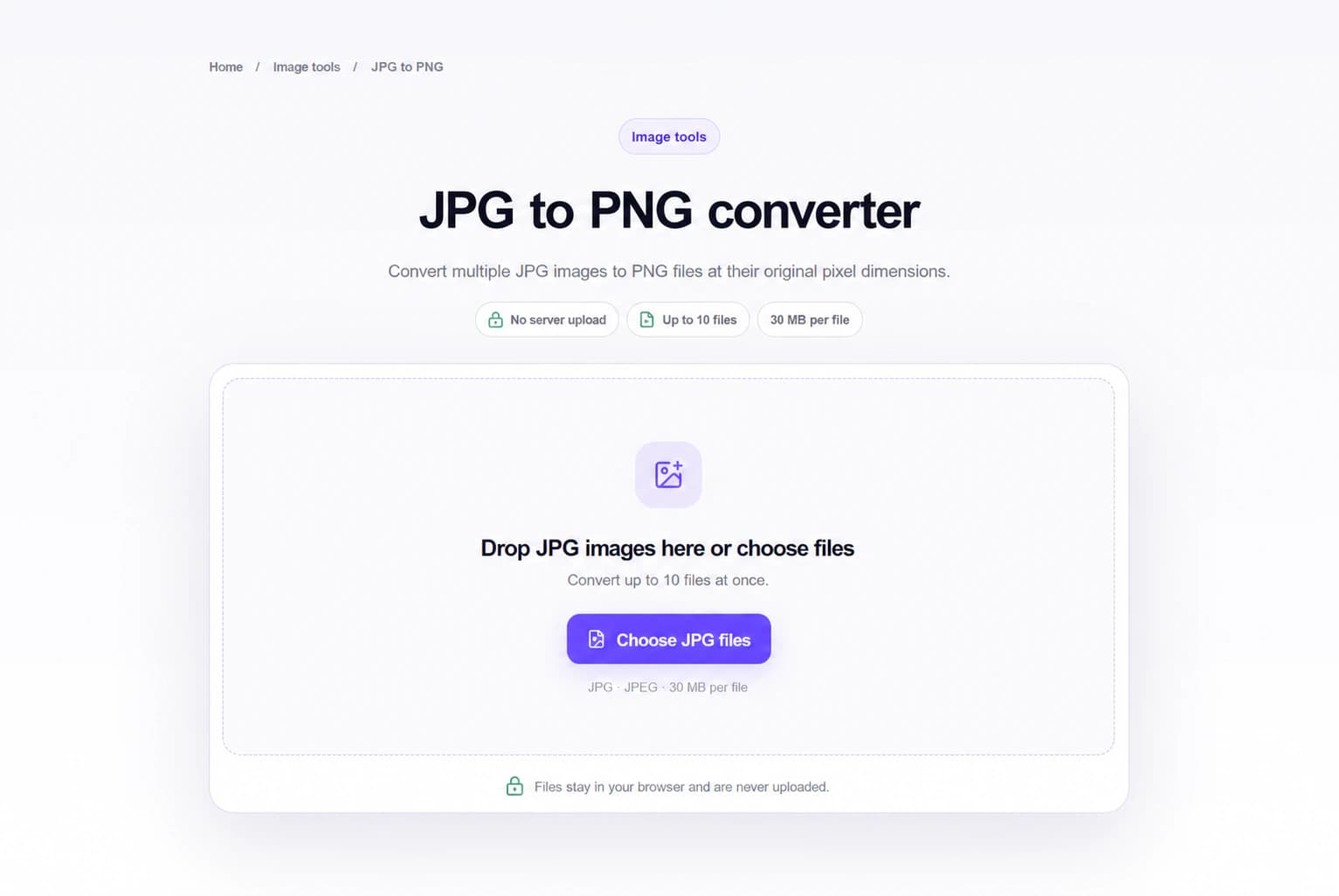
Check the output
Open the PNG files and confirm dimensions, transparency, and sharpness. Download the files individually or as one ZIP archive.
Frequently asked questions
Does converting to PNG improve photo quality?
It does not restore detail already lost in a JPG. It changes the container format and avoids additional JPG compression.
Can I convert multiple JPG files at once?
Yes. Add multiple files and download the converted PNG files together.