
How to save an HWP file as PDF in Korea
Learn how to save Korean HWP or HWPX documents as PDF using the official Hancom workflow or a browser-based viewing and printing workflow.
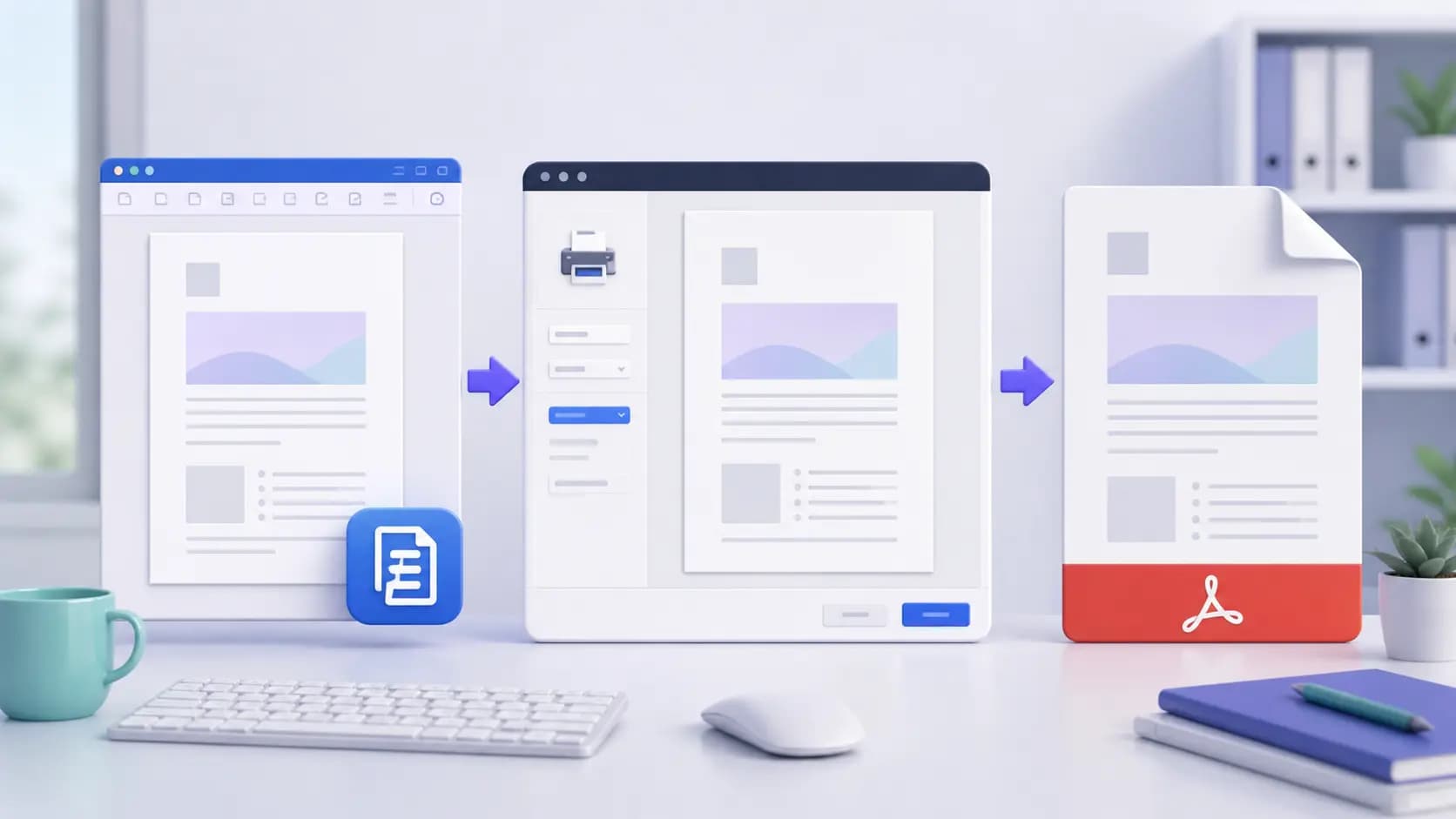
Use the official Hancom export when possible
If the document was created in Hancom Office, open the original file and use its PDF export command. This is the safest option for fonts, page breaks, tables, and Korean text.
Browser viewing and printing
When Hancom Office is unavailable, open the document in a supported browser viewer and use Print, then choose Save as PDF. Review every page because viewers can render complex layouts differently.
- Check all pages before printing.
- Confirm fonts, tables, signatures, and images.
- Open the saved PDF and compare it with the original.
Protect sensitive documents
Avoid uploading confidential contracts or personal information to services you do not trust. For sensitive files, prefer a local or official workflow and remove temporary copies after use.
Frequently asked questions
Can a browser convert every HWP file perfectly?
No. Complex layouts, old HWP versions, embedded fonts, and scanned content may render differently. Compare the PDF with the original before sharing it.
Does OneDay Tools directly open HWP files?
The safest workflow is to export the HWP or HWPX file to PDF first, then use the PDF tools for merging, compressing, converting, or organizing.