
How to reduce PDF file size
Reduce PDF file size for email, portals, and sharing while keeping text readable and pages easy to print.
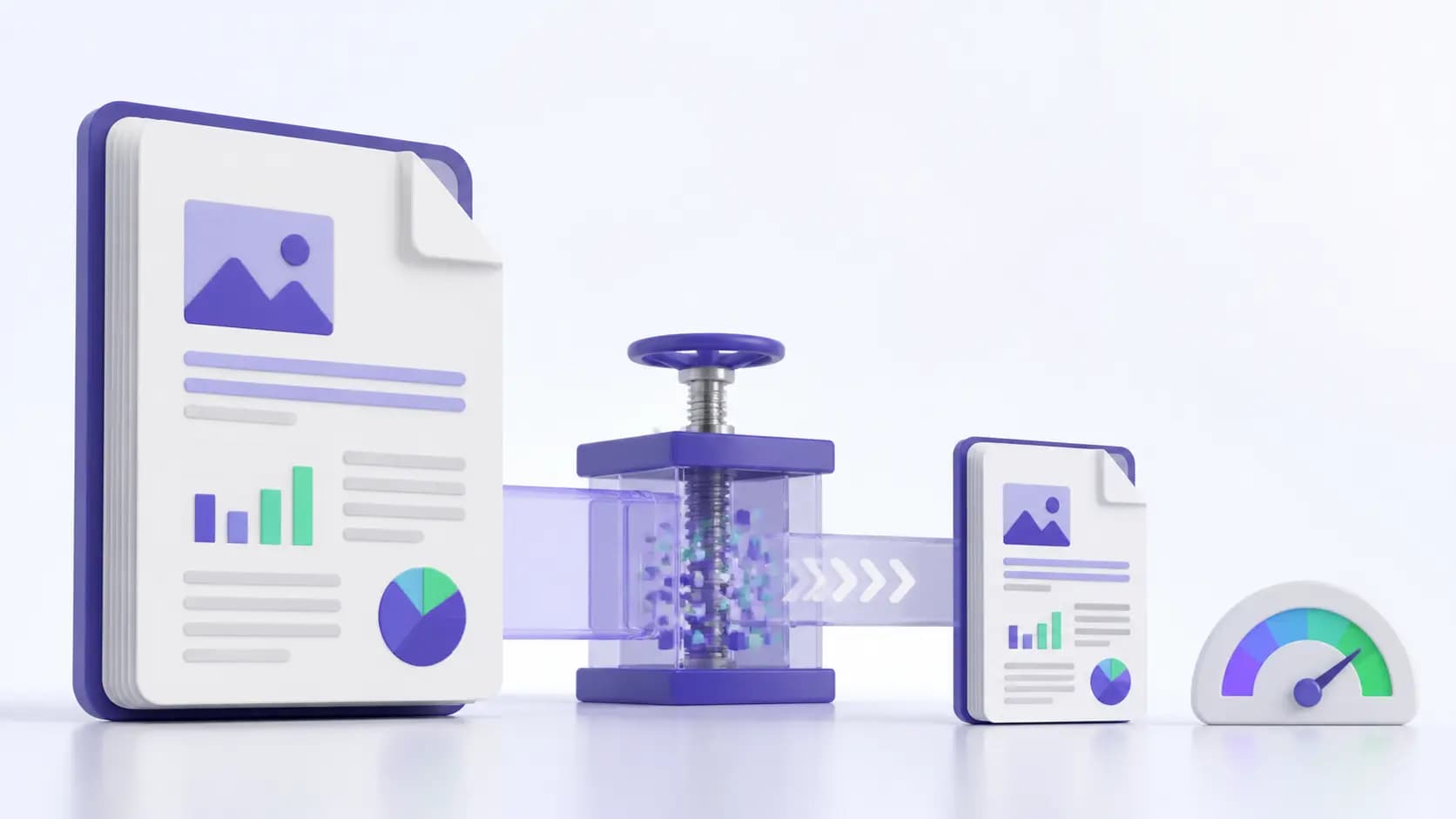
Choose the right compression level
Use a balanced setting for business documents. Choose stronger compression only when a portal has a strict size limit or the PDF contains many photos.
Compress and compare
Upload the PDF, select a compression level, and download the result. Compare the file size and open several pages at 100% zoom before sending it.
Keep important details readable
Small text, signatures, QR codes, and scanned tables need extra care. If any detail becomes blurry, return to a lighter compression setting.
Frequently asked questions
Does compression change the page count?
No. Compression reduces file data; it does not remove pages.
Which setting should I use?
Start with balanced compression and use stronger compression only when the destination requires a smaller file.