
如何將 PDF 頁面轉換為 JPG
說明如何將PDF頁面匯出為JPG圖片,並逐一下載或打包成ZIP。
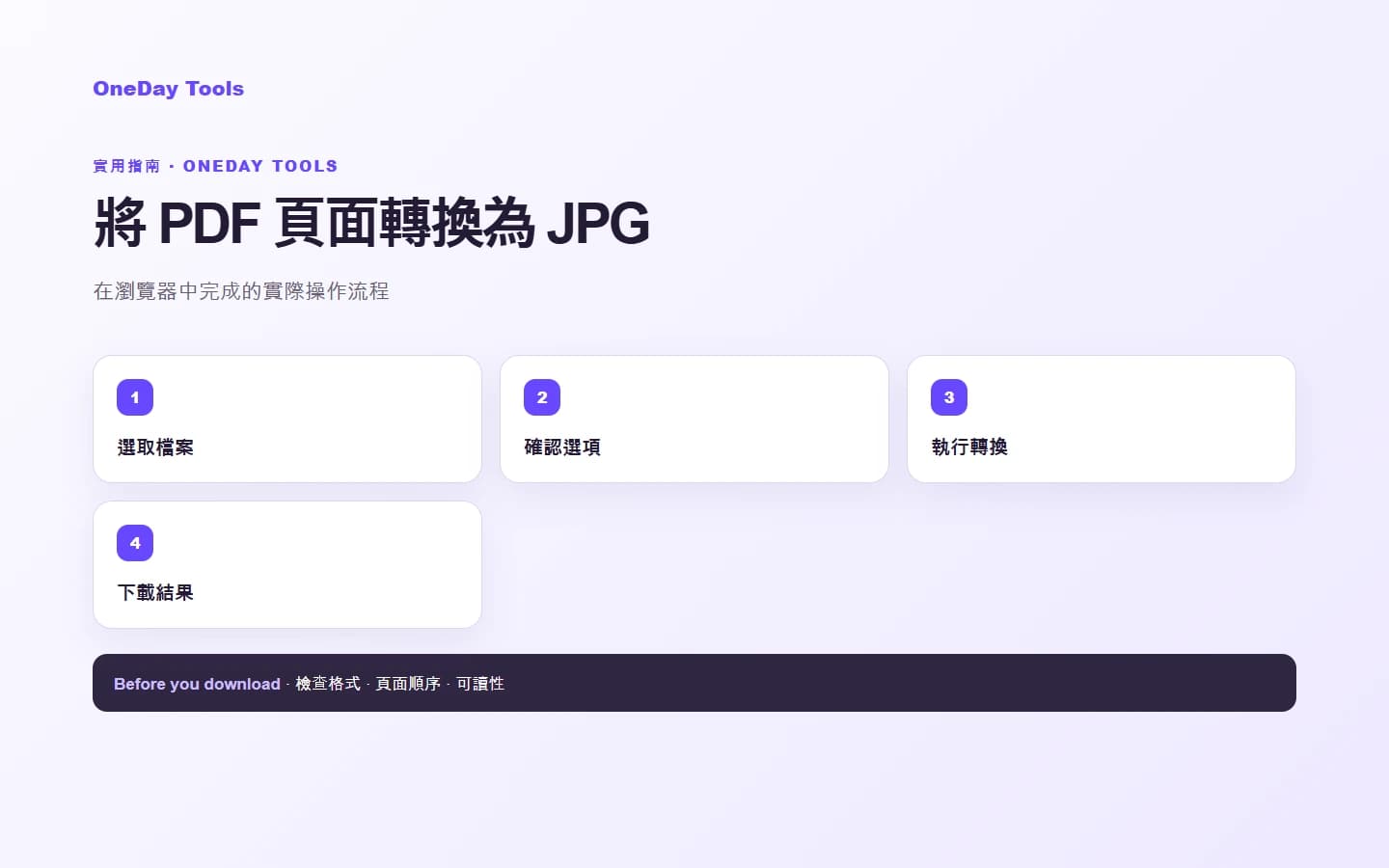
開始前的準備
開始如何將 PDF 頁面轉換為 JPG之前,請確認原始檔案可正常開啟,並視需要保留備份。
依照步驟處理
在如何將 PDF 頁面轉換為 JPG頁面選擇檔案,確認畫面上的設定與順序後再開始處理。
檢查並儲存結果
開啟儲存的結果,檢查頁數、方向、文字清晰度與檔名,確認無誤後再分享。
常見問題
原始檔案會被修改嗎?
不會。工具會建立新的結果檔案,原始檔案會保持不變。
分享前需要檢查什麼?
請開啟結果並檢查頁面、方向、文字、圖片與檔名是否正確。